Mastering G-MAP Scraper
A complete guide to extracting thousands of targeted leads in minutes.
1. Install the Chrome Extension
First, navigate to the Chrome Web Store and install the G-MAP Scraper extension. It's lightweight, secure, and pins directly to your browser bar for easy access.
2. Perform a Search
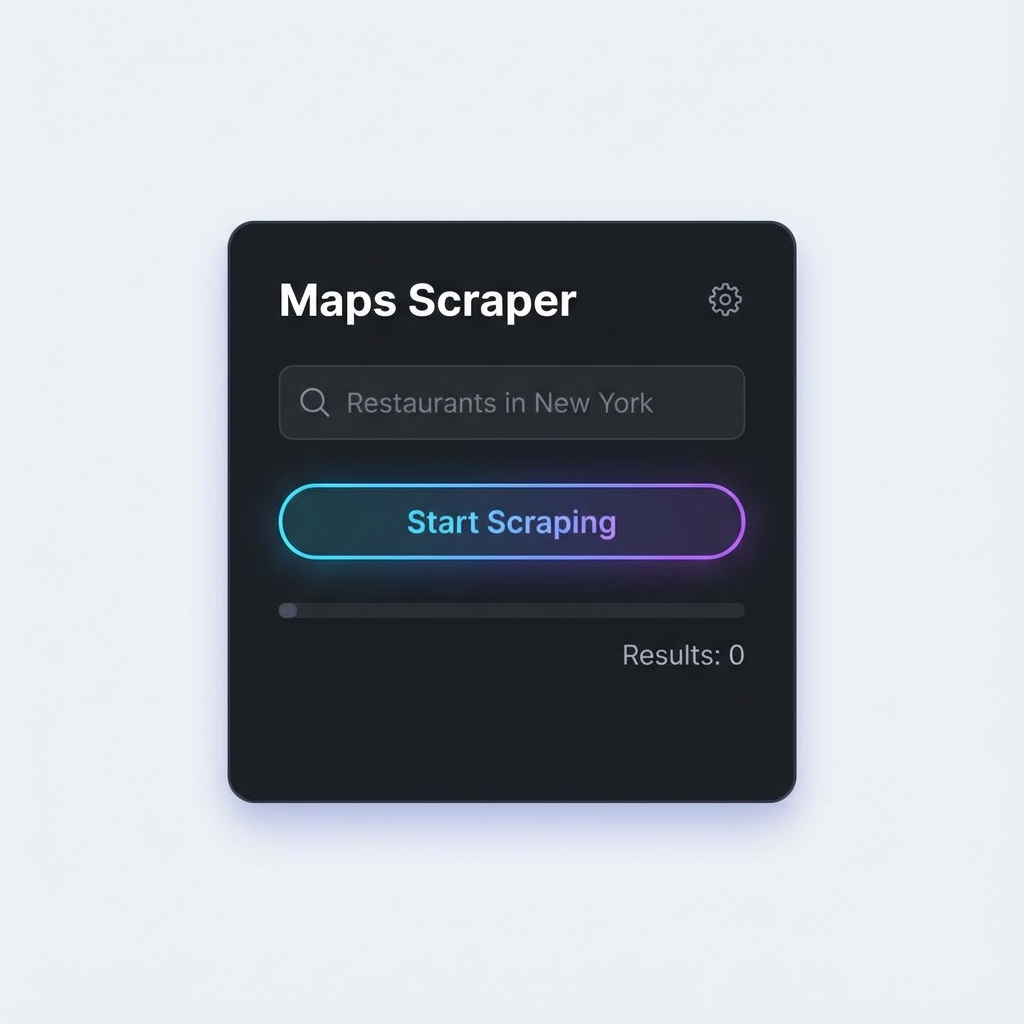
Go to Google Maps and type in your target keyword (e.g., "Plumbers in Chicago"). Once the results load, open the G-MAP Scraper extension and click "Start Scraping". The tool will automatically scroll through results and extract data.

3. Export & Profit
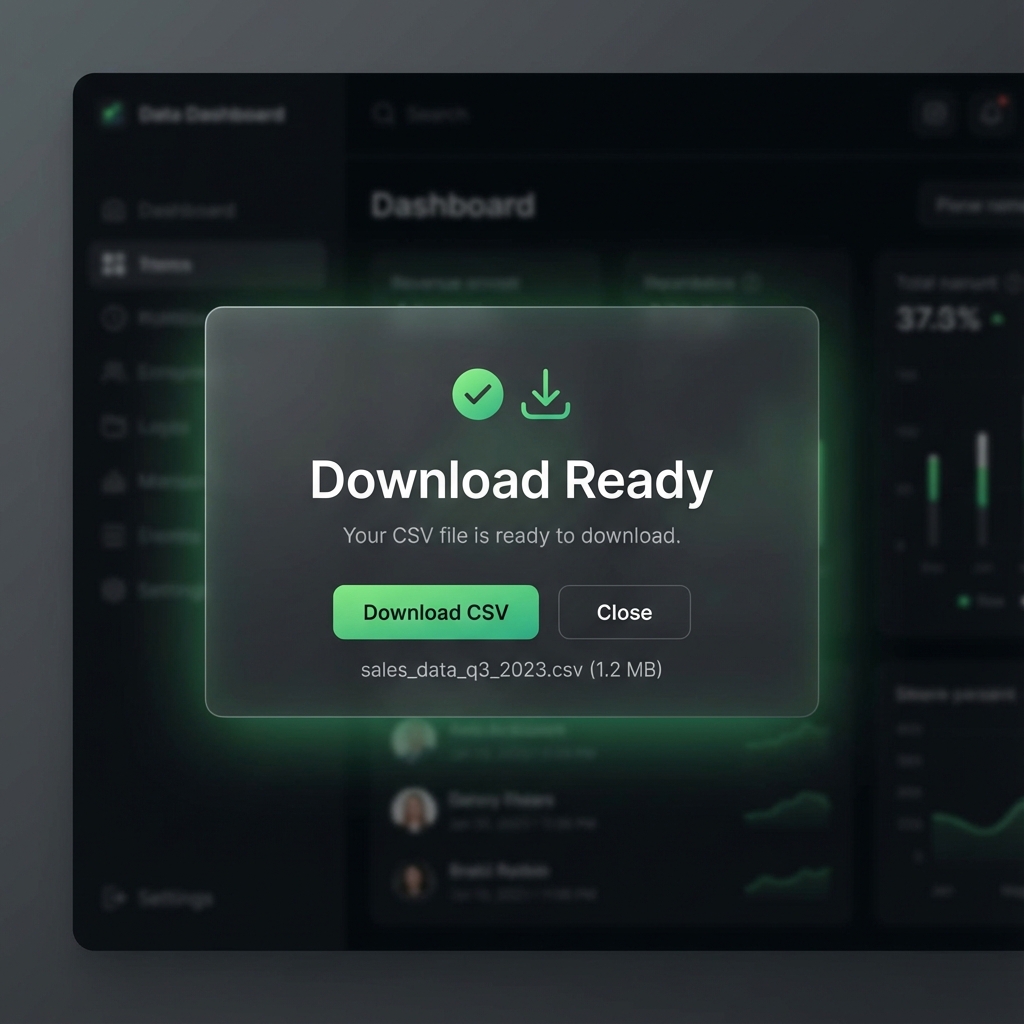
Once the scraping is complete, you can filter the results by rating, reviews, or email presence. Click "Export" to download a CSV or Excel file ready for your CRM or cold email campaigns.